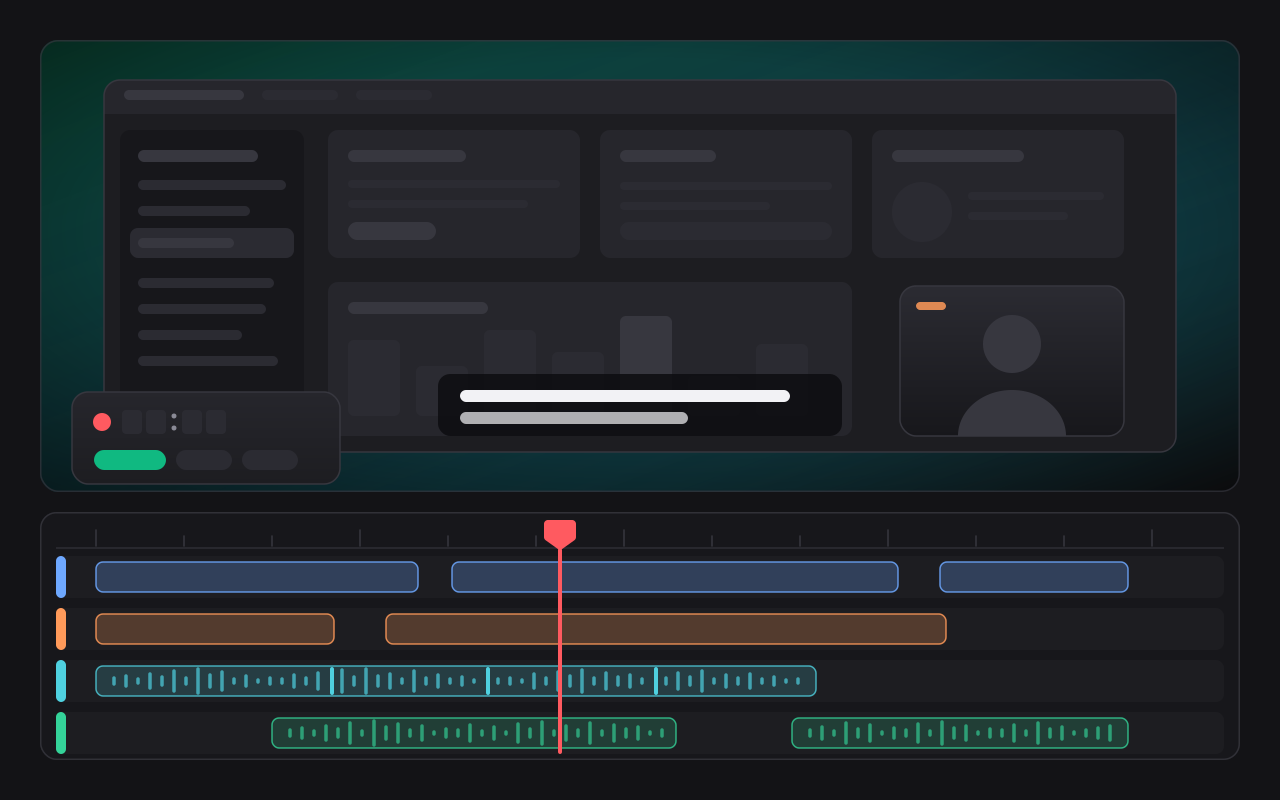
CamScribe: record it once, say it well, cut it properly
CamScribe is a native macOS screen and camera recording studio by Olib AI. It records your screen and your camera on four independent tracks, holds your talking points in front of you while you speak, and hands the take to a real multi-track editor. Recording and the whole editor are free and unlimited. There is no account, no upload of your media and no analytics.
Record
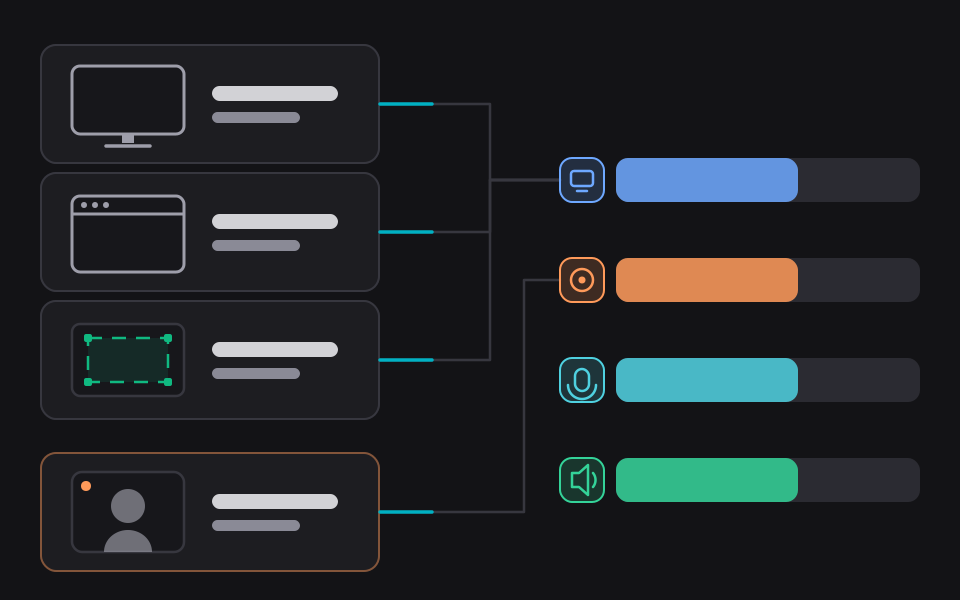
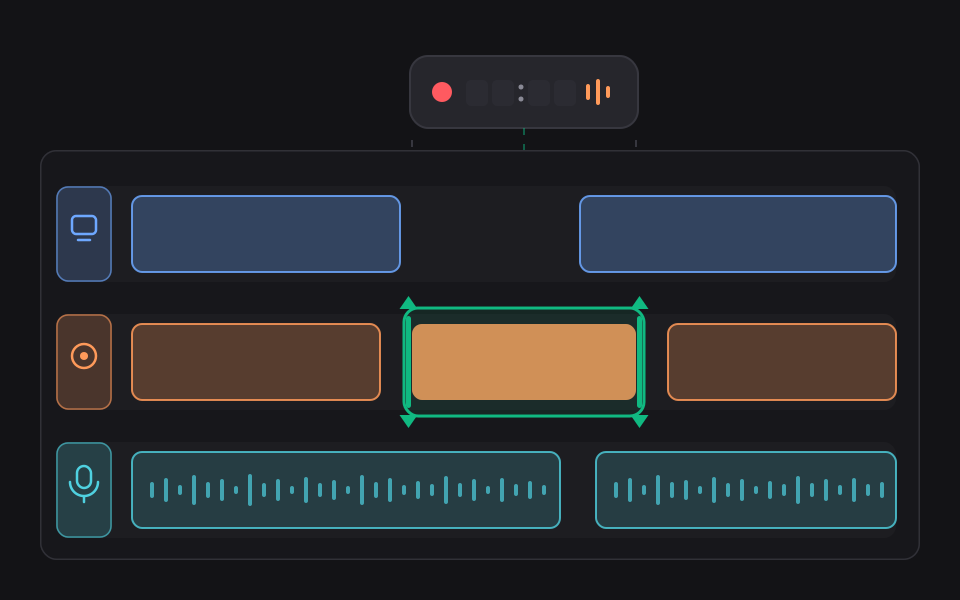
Capture a whole display, a single window or a region you draw, plus built-in, USB and Continuity cameras with the format and frame rate negotiated rather than assumed. Microphone and system audio record alongside, and system audio can be scoped to particular applications. Screen, camera, microphone and system audio each get their own writer and their own file, so losing one device does not lose the take. Media is written in chunks that rotate every five minutes with an index checkpointed every two seconds, so a crash is recoverable from an explicit pointer rather than a directory scan.
Prompt
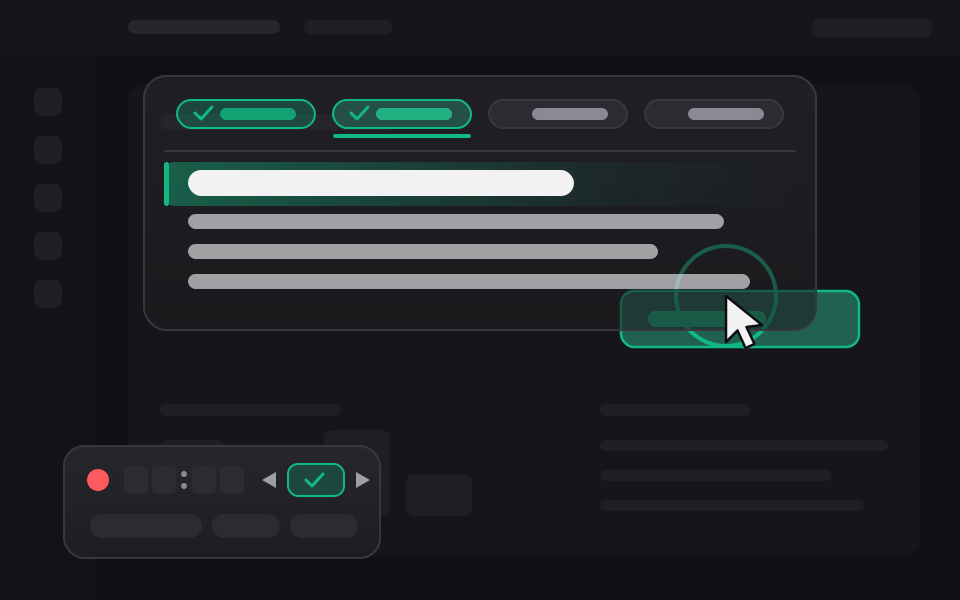
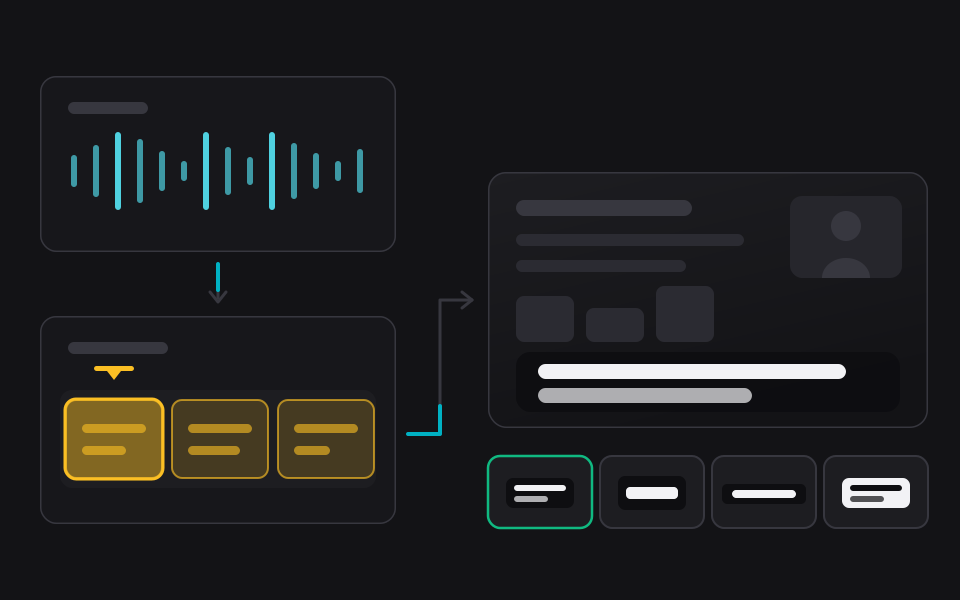
Write your talking points before a take and read them during it. A headline on its own is a checklist row; a headline with a script under it is a teleprompter beat. The prompter takes no mouse events at all, so clicks pass through it, and it is excluded from the recording two separate ways. It declines to appear rather than covering the stop button.
Camera framing
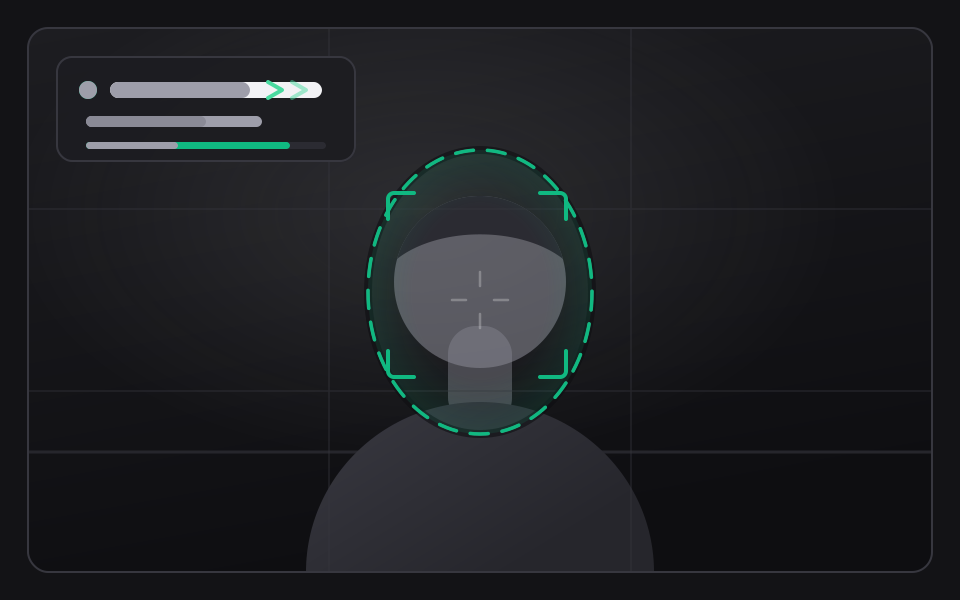
Face detection runs on the live preview and drives a framing guide, so you can see that you have left the shot before you have recorded twenty minutes out of it. In the editor, analysing the camera track samples frames across the take, finds the largest face in each and sets the camera plate's centre from the result, as one reversible command. Studio background replacement uses alpha matting with light wrap and despill, composited in linear light. The on-device models behind the framing and lighting suggestions were trained on procedurally generated data and have not been validated against real captures, so each one is a suggestion you can ignore and each has a deterministic fallback behind it. CamScribe records, edits and exports correctly with no models installed at all.
Edit
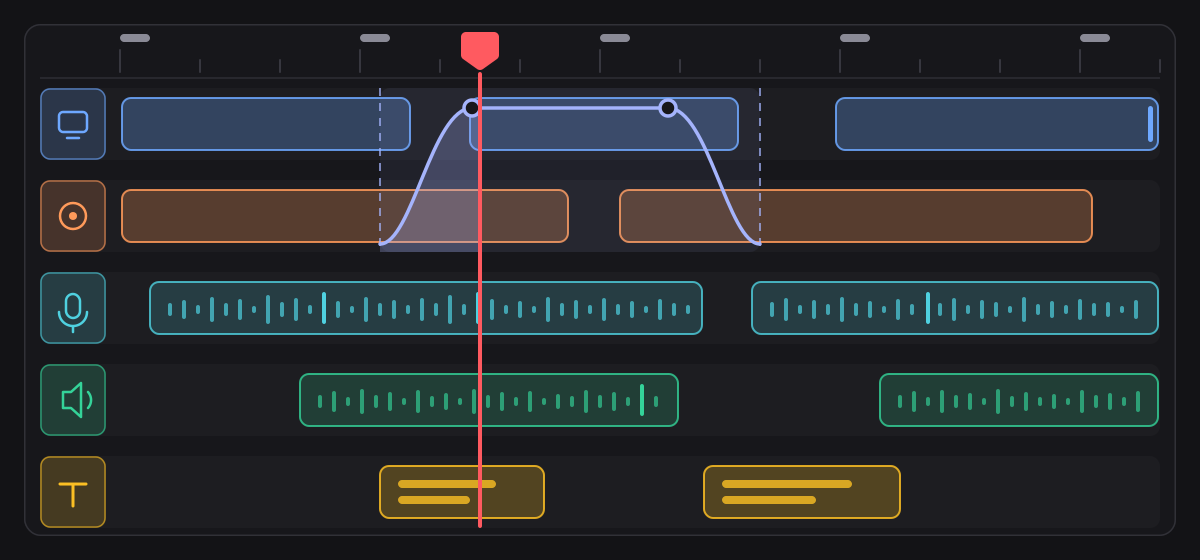
A non-destructive multi-track timeline: trim, split, join, remove a range, insert a gap, place clips absolutely, retime with an exact fraction, fade, gain and opacity. Zoom, blur, highlight, mask and volume are all the same automation primitive. Timeline positions are integers on a 90 kHz timebase and clip speed is an exact reduced fraction, so audio and video do not drift apart as a recording gets longer. Every edit is a reversible command in a replayable log, with gesture coalescing behind undo and redo.
Cards, stickers and captions
Title and intro cards are spliced between slices rather than laid over them: inserting one splits every lane at the playhead and moves everything after it later by exactly the card's own length. Fifty one templates ship, carrying 257 named motion variants, and every length in them is a fraction of the canvas so a card adapts to 16:9, 9:16, 1:1 and 4:5 by construction. Stickers are icons placed over the picture and moved, resized, turned and coloured by dragging. Captions are transcribed on the device, land as an editable layer, and are drawn into the picture so they survive any player.
Retake
Re-record a selected region of one track and splice it back in place, with overwrite, ripple or fit lengths. Retakes go through the recording writer itself, so the encoder ladder and every guard the recorder has still apply.
Agent control over MCP
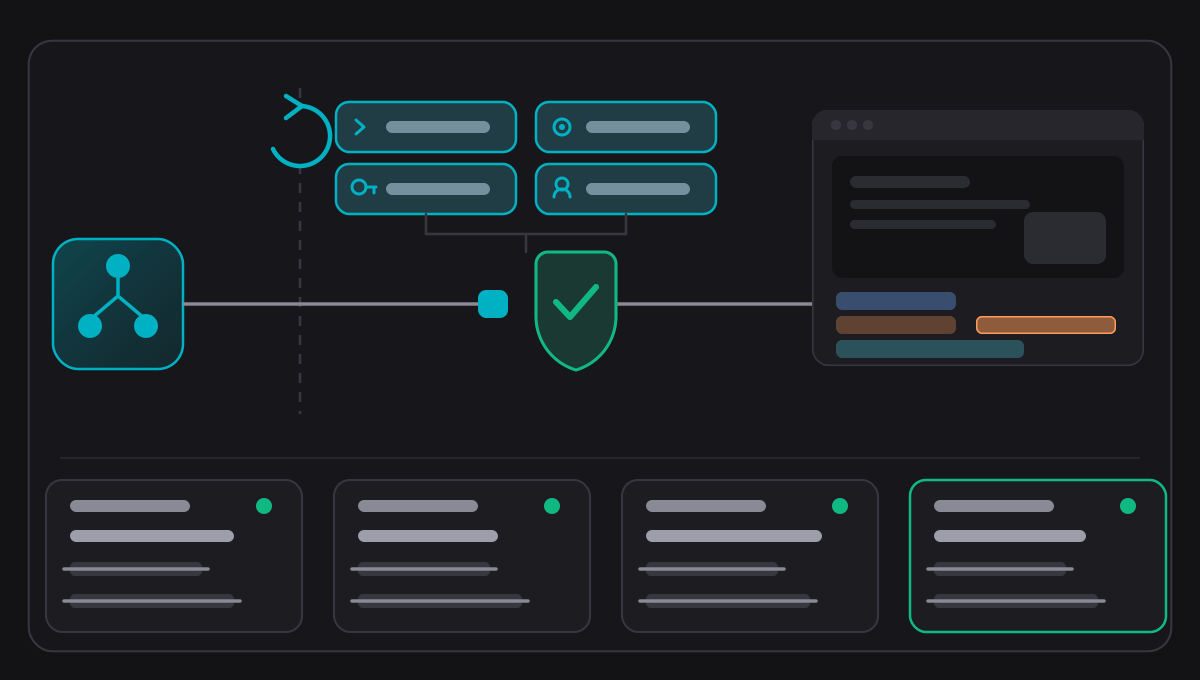
CamScribe ships an MCP server: 45 tools across five scopes, over authenticated loopback TCP and Streamable HTTP, plus a standalone stdio bridge inside the application bundle. Authorization is decided in the engine from the requested action, the state of the application, the scopes you granted and whether you are actually present at the Mac. Pause and stop are the only actions permitted while you are away. Every mutating tool is idempotent by request id, every call is validated against the published schema, and the audit log records metadata only: no arguments, no prompts, no media, no paths and no tokens.
Export
Preview and export are one render pipeline, held to it by a test. MP4 in H.264 or HEVC, in 16:9, 9:16, 1:1 and 4:5, with codec capability probed from the system rather than assumed. The export queue survives a relaunch, resumes a job that was mid encode, retries with a growing backoff and then gives up.
What it costs
Recording, the prompter, the whole multi-track editor, retake, cards, stickers, captions, search and export are free and unlimited. CamScribe Pro changes the export alone: without it an exported video carries a small CamScribe mark and is produced at up to 1920 by 1080 on its long edge, and with it an export carries no mark and is produced at the size you asked for, up to 4K. Pro is $2.99 per month or $24.99 per year as an auto-renewable subscription, or $99.99 as a single purchase that never renews. Subscriptions renew automatically until cancelled in your Apple Account settings. CamScribe is not released yet and there is nothing to buy today.
Requirements
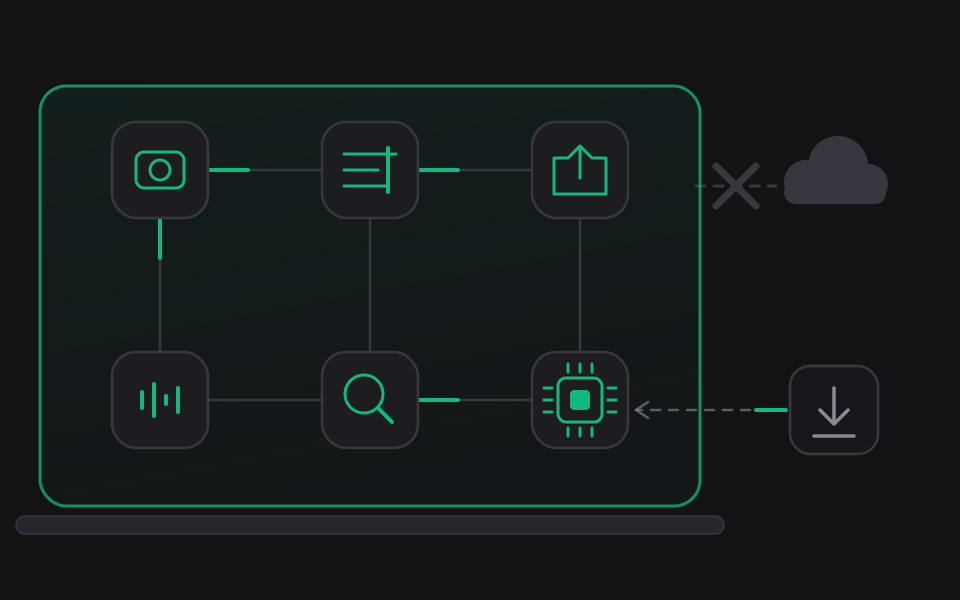
macOS 15 or later, Apple Silicon. No account with us. No network needed to record, edit or export; buying Pro needs one. CamScribe is in development and has not yet been measured across a range of Mac hardware or over long recordings, so treat any build you receive as pre-release.
What it does ·
Pricing ·
Agent control ·
Privacy policy ·
Terms of use ·
Support
Built by Olib AI.